How Glances Grows with Your Team

Change is inevitable, but Glances was built for it
In the wise words of Greek philosopher Heraclitus, “There is nothing permanent except change.” Change in the corporate world is one of the greatest constants: team structures fluctuate, employees get promoted or let go, roles and workflows change, and business software is continually evaluated to add, keep, or discard from the tech stack. Despite all of these expected (and sometimes unexpected) developments, Glances stands as the persistent platform that adapts to your team’s evolving needs.
Adaptable for today (and tomorrow)
No two tech stacks and workflows are the same, which is why Glances is an adaptable fit for businesses of all kinds and sizes. Construct and modify Glances to work as uniquely as your team needs it to, no matter the…
✔️ Industry you work in
✔️ Amount of business apps you use, from Asana to Zendesk
✔️ Number of accounts or instances per app your team relies on
✔️ Type of daily tasks you need to perform
Building Glances starts with connecting your favorite business apps for yourself or as an admin on behalf of your specified teammates. Even your private apps and legacy systems are connectable!
Manage Glances as your team fluctuates
Define company roles
If your account is associated with a company, you will be assigned a company role that best reflects your level of access to Glances. As team changes occur, it’s easy to add new roles and edit existing ones. Learn more in our support article.
Define app connections
Not all information across your company’s stack of apps is meant for all eyes to view. While some data is meant for a collective group, other data is personal and only relevant to specific teammates. Glances offers two levels of app connections so you can make sure the right information is readily available for the right teammate(s). Learn more about team connections and personal connections in our support article.
Enable business growth for clients and brands
What happens when your next big idea takes off and business grows? Did you create another product, brand, or division? Do you have more clients this year than last? Glances can easily accommodate how you manage your business – from various clients, multiple app instances, different teams, and much more.
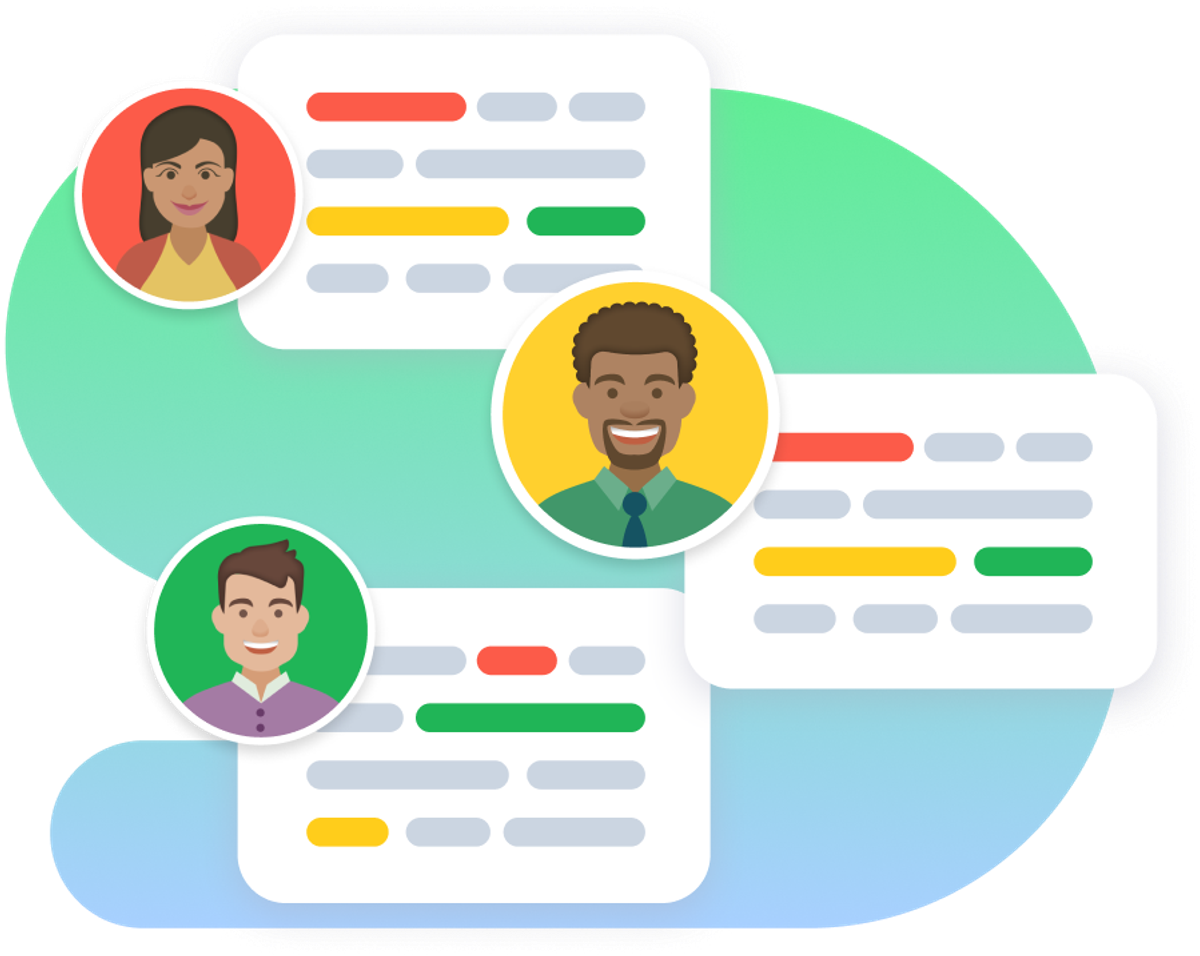
From standard businesses representing one brand to parent organizations managing multiple companies, Glances works as flexibly as your unique structure requires. This especially rings true for handling multiple app accounts and users on more than one team. Using the team selection feature, you can quickly toggle between different app accounts while using Glances. No logging in and out of app accounts, no navigating away from your work, and no wasting of your valuable time and focus. Learn how simple it is to switch teams on glances.com, directly in the Glances browser extension, or in-app with monday.com.
Manage Glances as your workflow and automation needs change
Utilize and customize Actions
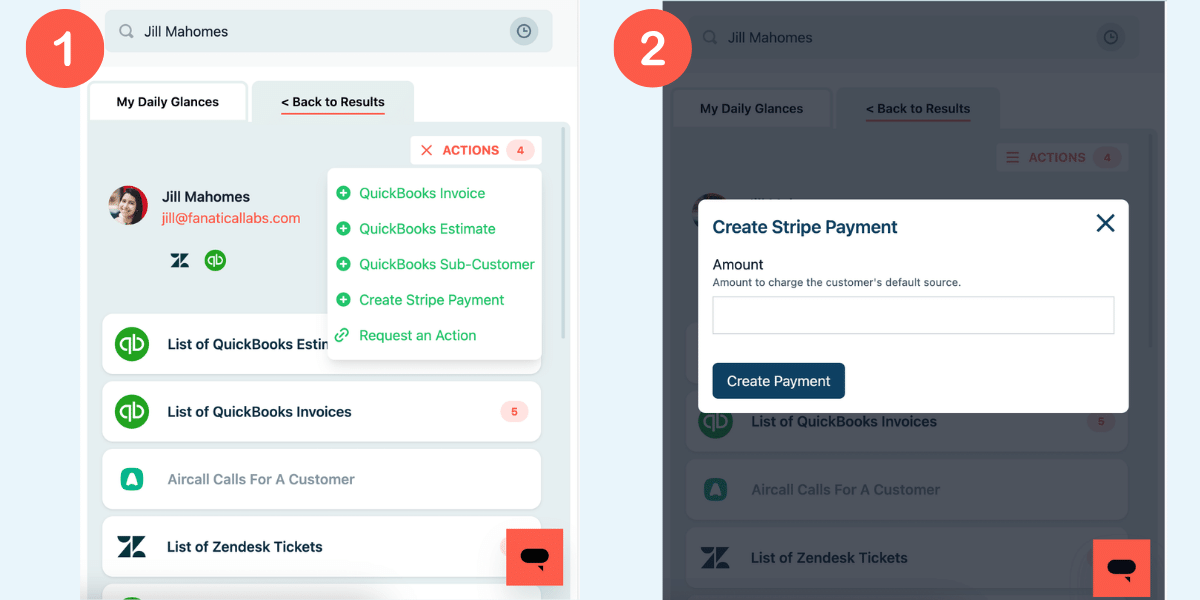
From built-in to customized, Glances Actions help you 1) automate tasks across your favorite business apps that typically cannot be automated, and 2) complete tasks in other apps without navigating away from your work. As your team count and daily work varies over time, Actions can be added and removed. What stays the same is the significant time you’ll save per task, as our customers have experienced.
Sync only the data you choose
Want to automate to the next level? You can further optimize your daily workflows with post-Action app updates, which automatically bring back select pieces of data to specific apps after you complete Actions. Learn how this syncing feature differs from traditional two-way data integrations.
Make your dream workflows possible with Glances
Tech and staffing changes don’t have to suck (as bad) when Glances is the constant platform that can handle them. Start your free trial to connect your favorite business apps and access your data in one easy click, from any app or webpage. You can find and connect Salesforce, monday.com, QuickBooks and more apps when you are logged in to your Glances account.
More helpful steps
Schedule a demo to see the time-saving benefits of Glances in action or ask our team questions.
If you need to connect a specific app or platform with Glances that is not currently available on glances.com, please send your requests to hello@glances.com.
Find more step-by-step articles with the latest information on our support site.