Take Action: What Tasks Salespeople Can Streamline Using Glances

Your selling sidekick that's always there
Welcome to the first article of our Take Action series, where we cover bite-sized ideas showing how different types of professionals can save time and enhance daily workflows using the power of Glances Actions.
If you work in inside sales, outside sales, a call center, or have salespeople as part of your business, today’s topic is curated for you. Glances can help you and your sales team stay focused working in sales-oriented apps, like your Customer Relationship Management (CRM) platform or email software, while also accomplishing tasks for other business apps. The ideas for what you can do using Actions are wide open, but it first depends on what apps you have connected with Glances, what Actions are built-in versus custom, and what workflow goals are important to you.
Action: Work in your email and create new customers for your CRM
If you work in sales, you likely spend a lot of time managing your emails. Whether you prefer Microsoft Outlook, Gmail, or another platform, Glances enables you to work directly in your email inbox while also performing helpful Actions like these:
- Add new contacts for your CRM platform, such as Salesforce, HubSpot, Pipedrive, SugarCRM, Zoho CRM, etc.
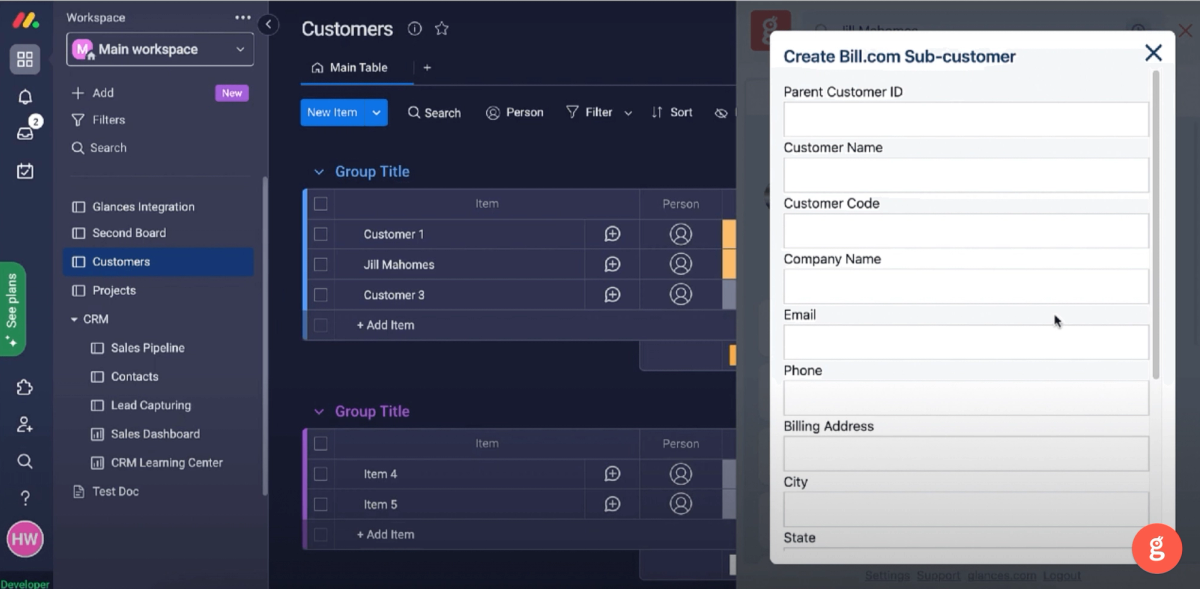
- Create customers and sub-customers for your accounting apps, such as QuickBooks, bill.com, etc.
Action: Work in your CRM and create invoices for your accounting app
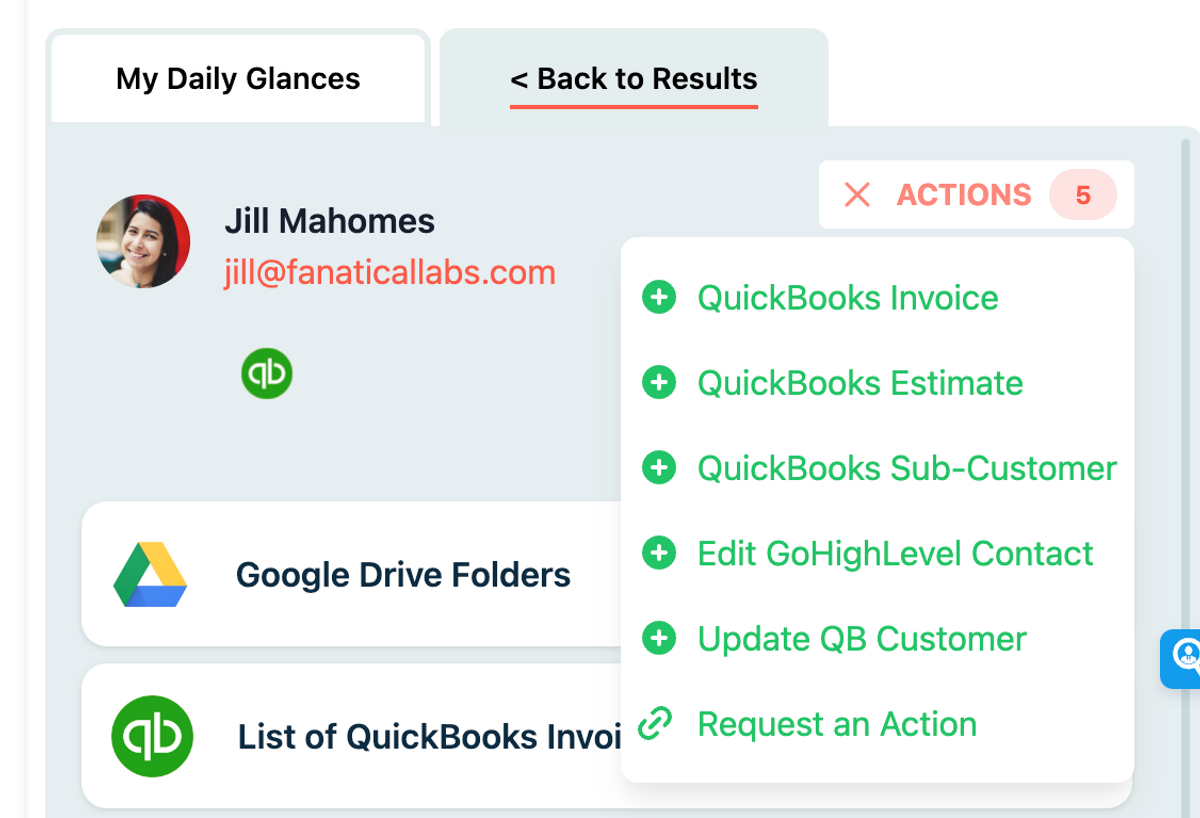
CRM platforms and project management apps are other go-to tools for salespeople. If you spend hours each day in apps like Salesforce and monday.com, Glances Actions help you stay on top of customers and projects, especially when it comes to providing estimates, invoices, and ultimately closing deals. Quickly work through invoicing tasks (and any back-and-forth edits) in your platform of choice without tab-toggling to your accounting app.
- Create, edit, and send estimates and invoices for apps like QuickBooks, FreshBooks, bill.com, etc.
- Create and refund payments for payment processing apps like Stripe
Action: Start web calls and product demos on the fly
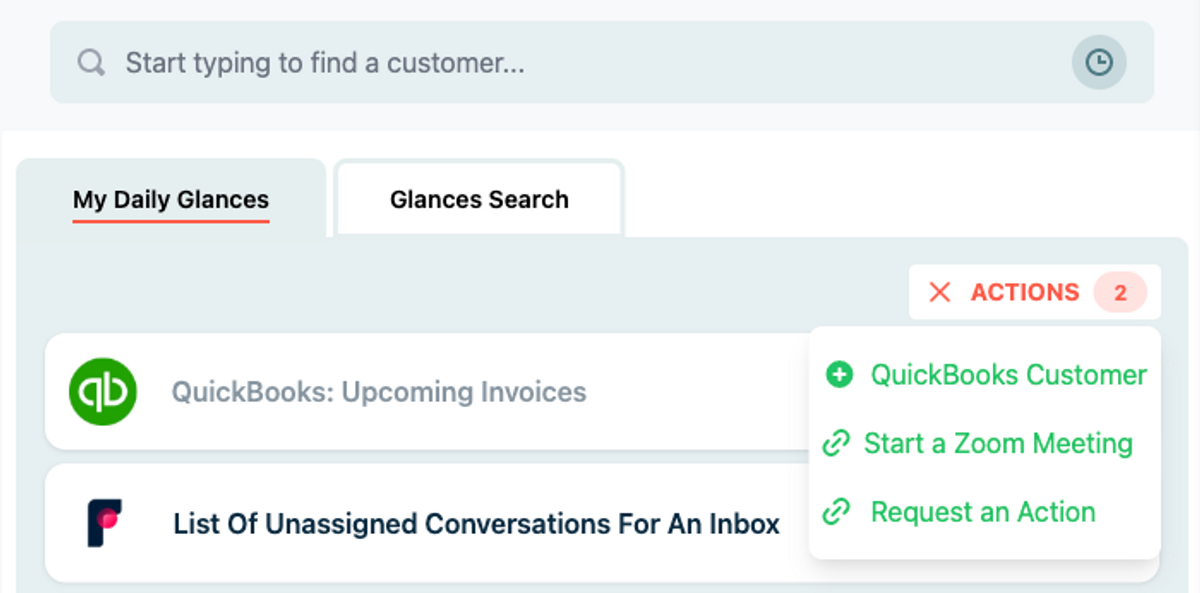
Another huge part of sales is making calls, pitching new services, showing product demos, and problem solving with potential leads and existing customers. When you connect Glances with your favorite web meeting software, like Zoom or Aircall, you can have the ability to start meetings and calls spontaneously. Stay working in your email, CRM, support app, or any open browser – and when it’s time to connect, use Glances Actions to start the call.
Action: Create support tickets anywhere online
If your sales team works hand-in-hand with the customer service department, you may need to escalate a customer issue to the right support agent for further review and resolution. If a customer problem arises while you are working in your email, chat software, or online meeting app, you can have the option to use Glances Actions to efficiently create support tickets for apps like Zendesk, Groove, Freshdesk, ServiceNow, etc.
Actions work anywhere you prefer to work
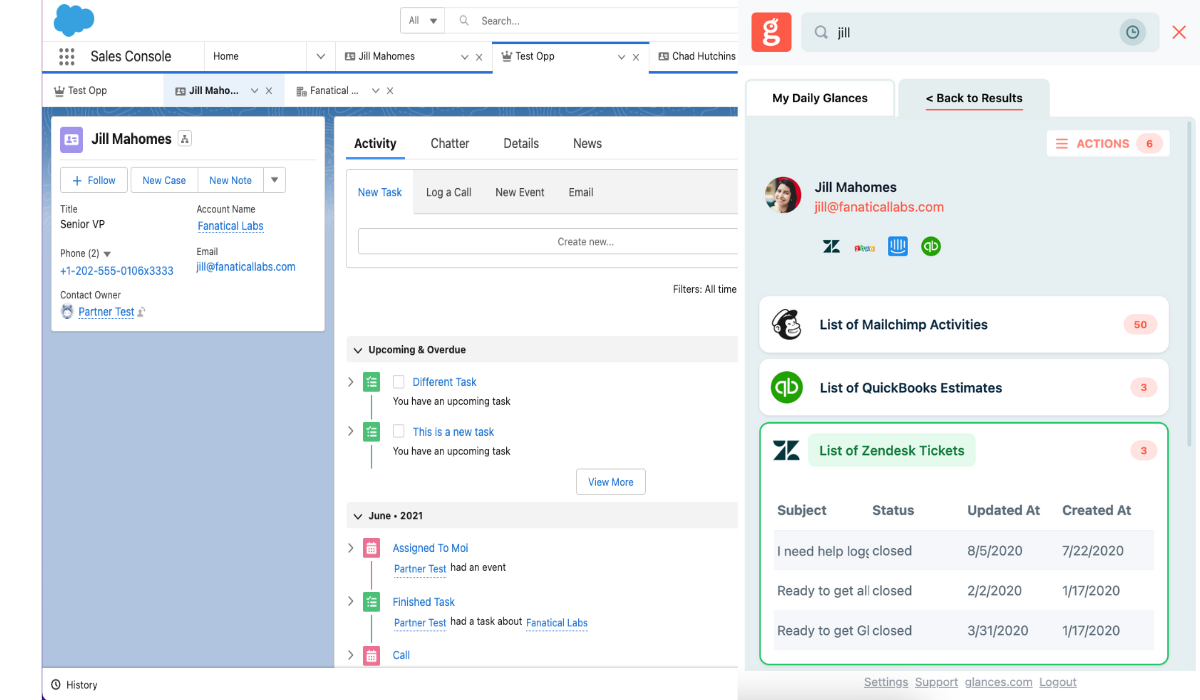
Since Glances works anywhere online (browser extension, glances.com, and in-app with platforms like monday.com), you can stay working where you like while simultaneously completing dozens of different tasks across apps via the Actions menu. We have given some basic examples of platforms we see salespeople gravitate to, but it’s important to understand how tailored Glances Actions can be for your company’s unique stack of apps and workflow needs.
How to get started with customized Actions
Any Glances customer can take advantage of Actions, which are included and available based on the apps you have connected. However, if you need to ramp up your daily workflows with less data entry and more automation, consider working with our team’s unique data mapping process to take Actions to the next level.
If you have questions about any Actions features and want to get started, check out our support article or email us at support@glances.com.
More helpful steps
Schedule a demo to see the time-saving benefits of Glances in action or ask our team questions.
If you need to connect a specific app or platform with Glances that is not currently available on glances.com, please send your requests to hello@glances.com.
Find more step-by-step articles with the latest information on our support site.