New Glance Alert: View QuickBooks Sales Receipts

Another essential view for QuickBooks users
On the daily, Glances helps QuickBooks users save tremendous time by automating tasks across apps, providing teammates with safe access to accounting data, and keeping the books free of duplicates and data entry errors. Created by popular demand (and in addition to many existing QuickBooks Glances and Actions) our dev team just released a new Glance that conveniently displays QuickBooks sales receipts within any app or webpage you prefer to work in. Learn how to add this view below and why your team may need to reference this data.
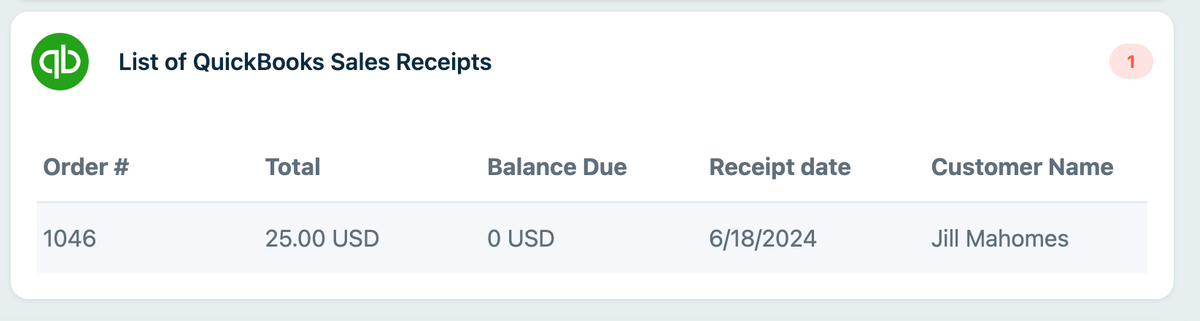
How to add this new Glance
For current Glances users with QuickBooks connected, we’ll help you add this new Glance to your account by request. Simply email support@glances.com for immediate help.
If you are new to Glances, QuickBooks sales receipts will automatically appear once you start a free trial and connect QuickBooks with Glances.
Once your favorite apps are connected, you can enter any contact’s name or email address in the Glances Search tab, or use the Glances Highlight and Search feature to auto-search. From there, any available data related to your contact will appear, filtered and organized per connected app. Scroll through the list and click to view the details. Check out how easy it is to view QuickBooks invoices, estimates, sales receipts, and more in the product images below.
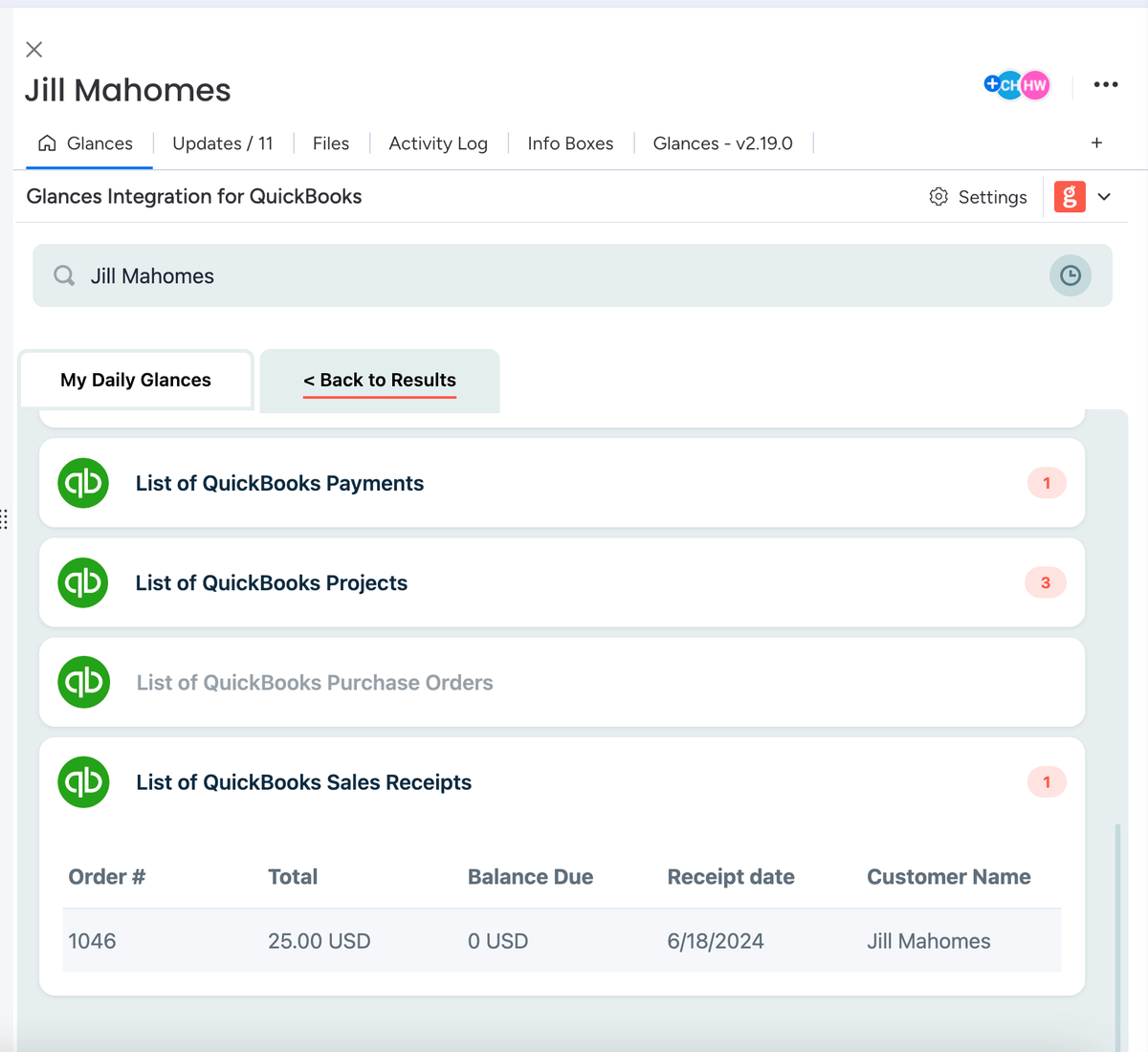
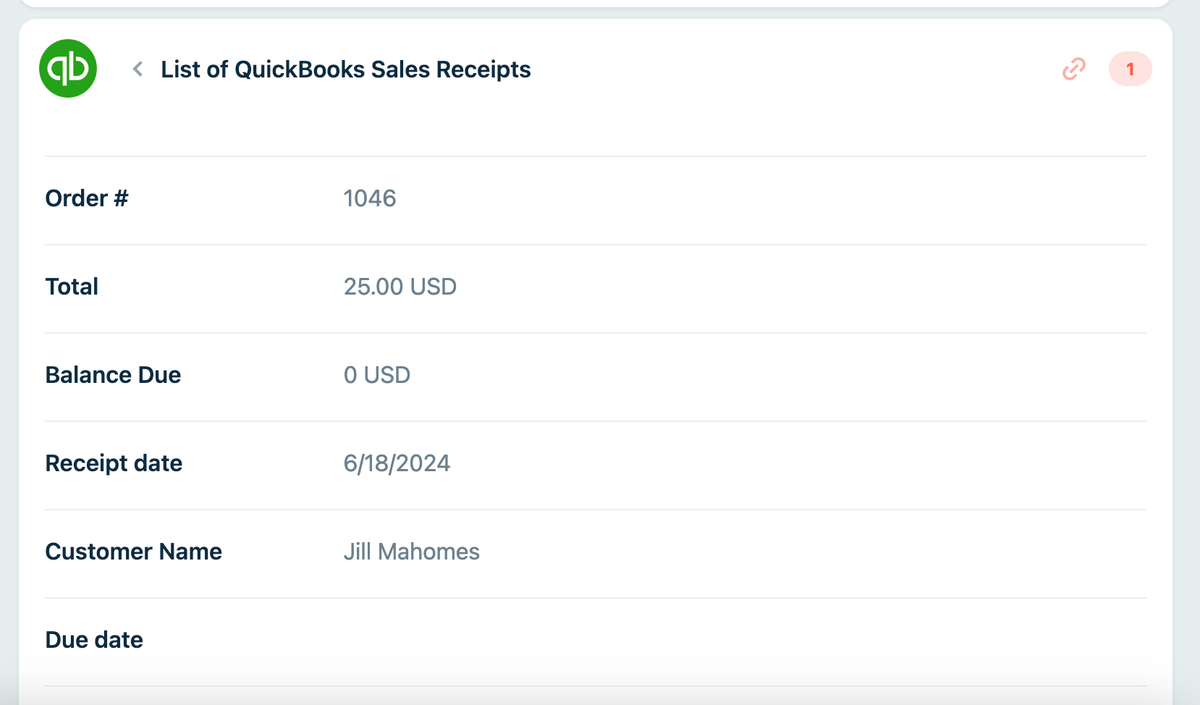
Why view QuickBooks sales receipts using Glances?
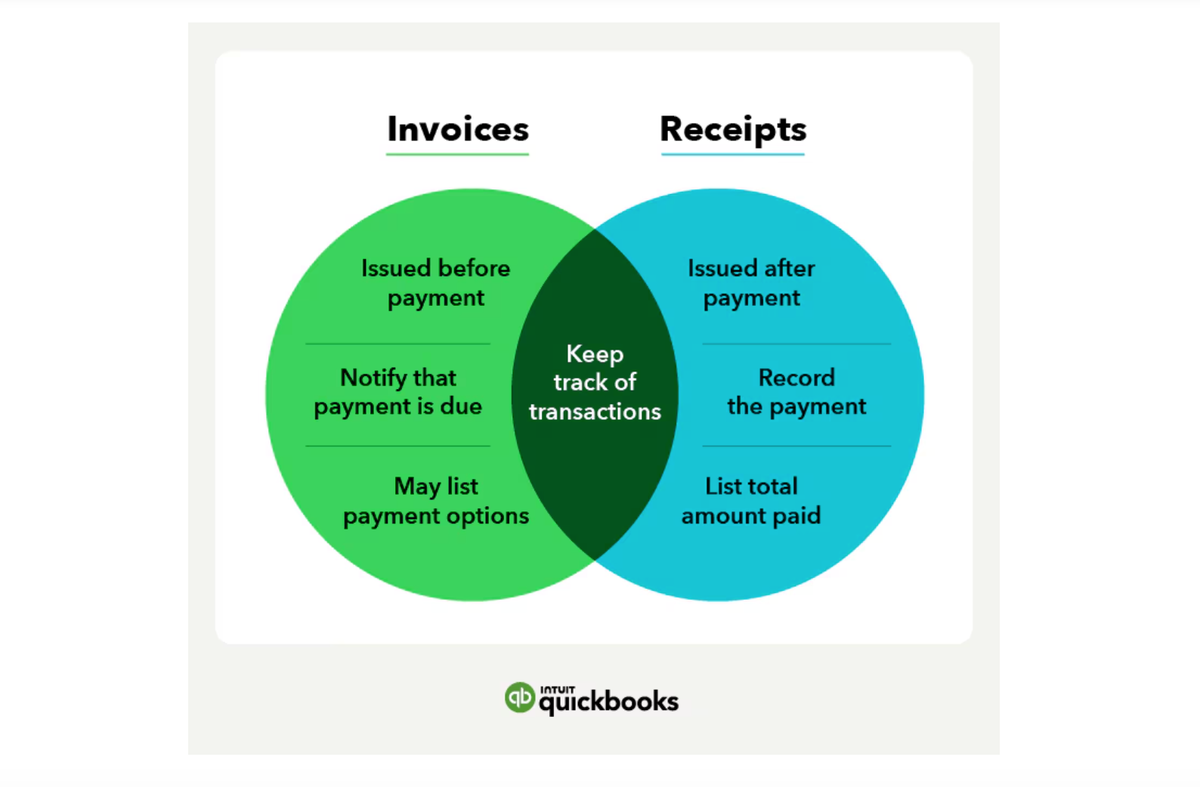
Well, it all depends on what goods and/or services your business offers and how you are set up to receive payments from customers. The QuickBooks blog offers the best clarity on invoices versus receipts and how they are “used at different stages of the sales process to document different information.” Check out the handy graphic below, courtesy of QuickBooks.
The power of Glances Actions for QuickBooks
Glances Actions for QuickBooks empower you and your team to handle many helpful and time-saving tasks directly within Glances, so you can streamline workflows while continuing to work in your preferred platform or website. You can check out a full list of available accounting Actions for QuickBooks on our support site, such as creating customers, creating invoices and estimates, creating new products and services, and many other multi-tasking functions to help you and your team:
✔️ Ensure QuickBooks customer data remains up-to-date
✔️ Avoid tab switching and losing focus to complete routine tasks
✔️ Enable users to update data without direct access to main QuickBooks account
✔️ Update QuickBooks data without navigating away from your preferred platform
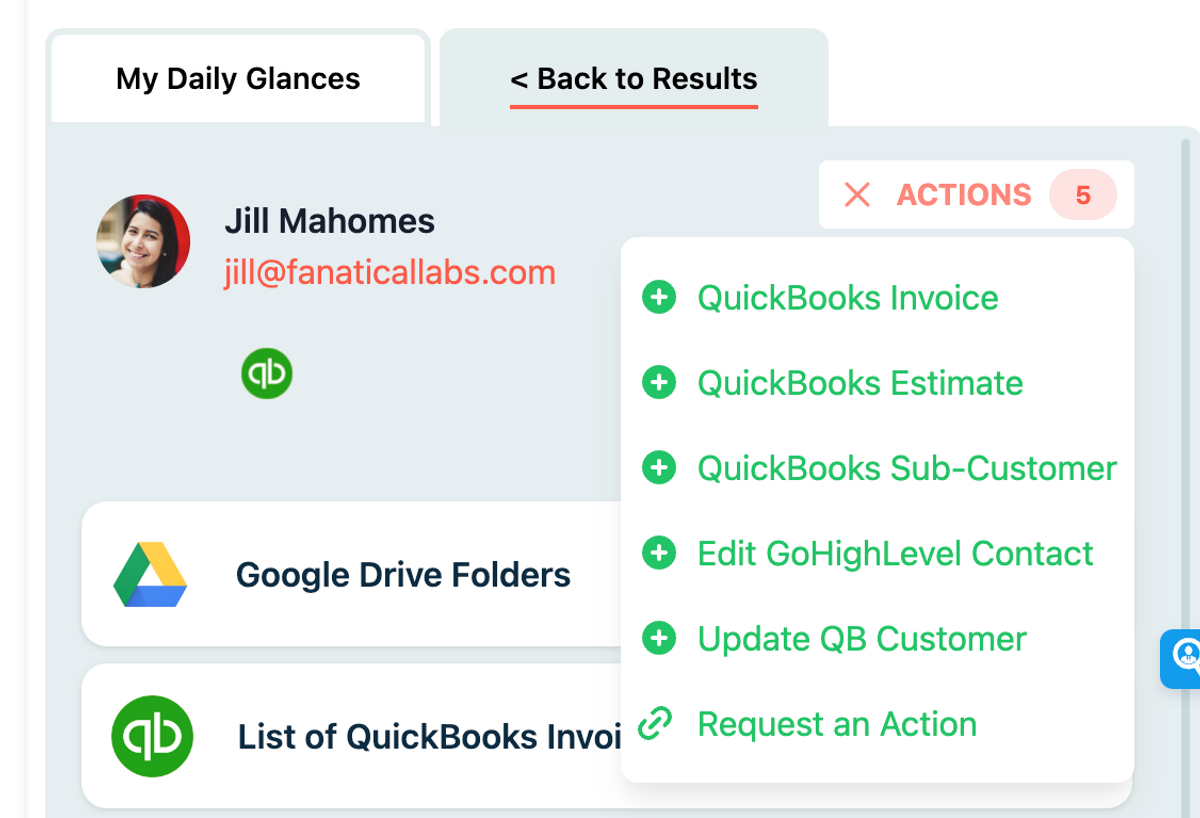
Watch Video: Giving Teams Safe Access to QuickBooks Using Glances
Glances makes all your business apps work together
Glances securely connects all of your business apps, empowering you and your team with a 360-degree view of customer and personal data while working anywhere online. Built with patented, no-code technology and backed by 5-star support, Glances has reimagined software integrations with all of the convenience and none of the data-syncing, downtime, and maintenance costs. You can find and connect software like QuickBooks, monday.com, Zendesk, Intercom, and many others when you are logged in to your Glances account.
Start your free trial today.
More helpful steps
Schedule a demo to see the time-saving benefits of Glances in action or ask our team questions.
If you need to connect a specific app or platform with Glances that is not currently available on glances.com, please send your requests to hello@glances.com.
Find more step-by-step articles with the latest information on our support site.