How Glances Makes Annoying Apps More Tolerable

Have a workday platform you love to hate?
Maybe you enjoy working in HubSpot, but you cannot stand your company’s internal database established during the Dark Ages of 2002. Perhaps you really dig your Microsoft Outlook inbox, but purposely avoid logging into QuickBooks. Do you see where we are going with this? Just like app overload, app annoyance is real too.
Since your team’s stack of apps is as unique as a fingerprint, there are bound to be a few platforms that have you inserting the eye-roll emoji into Slack messages with your closest colleagues. Stick with us as we cover how Glances brings your diverse apps (and data) together in one 360-degree view, making those annoying platforms and legacy systems exponentially more bearable to work with.

Connect your apps (and we mean all of them)
The power of Glances starts with connecting your favorite business apps, from Asana to Zendesk and any other API-based application on the market. If your business also relies on older technology, Glances can accommodate your private apps and legacy systems, ensuring your data is available in one simplified, seamless view. With 100% adaptability, you can build Glances to work as uniquely as your team needs, no matter the:
- Industry you work in
- Amount of business apps you use
- Number of accounts or instances per app your team relies on
- Type of daily tasks you need to perform
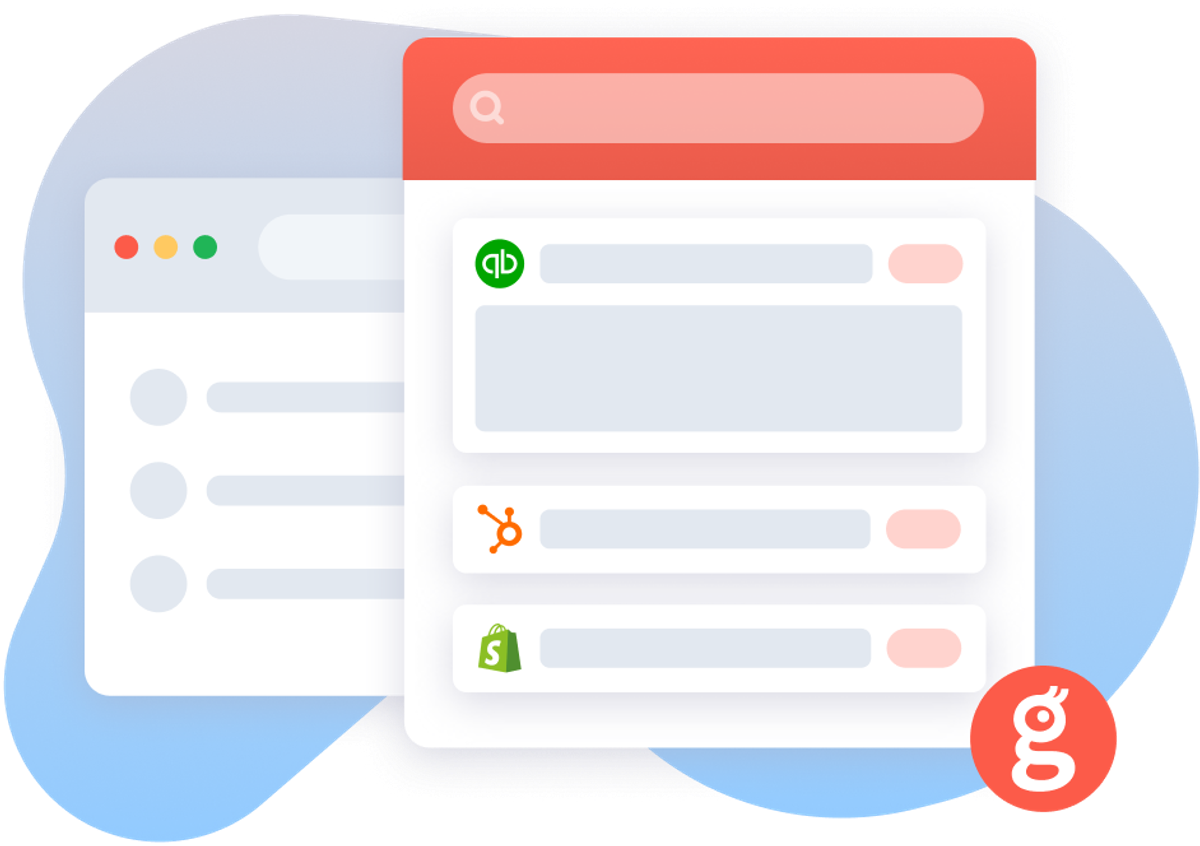
Stay out of apps you despise
Once your apps are connected, Glances can create a touchless experience with the app(s) you want to avoid working in (or to be blunt, the apps you despise). Below are a few features that make this all possible.
View more and do more within Glances
Like your workday sidekick, you can view data across apps and perform multitasking Actions directly from the Glances browser extension (our favorite way), online at glances.com, or in-app with platforms like monday.com. This ensures you can stay working in your favorite platforms or browsers versus tab toggling to those pesky apps that annoy you on a daily basis.
Perform Actions for one app (while working in another)
Handled directly within Glances while you work anywhere online, Actions allow you to complete tasks for other apps without navigating away from your preferred platform. So if you love your marketing app but are not a fan of your billing app, stay working where you prefer while simultaneously creating client estimates and invoices. Double down on your touchless experience with post-Action app updates, which automatically bring back select pieces of data to specific apps after you complete Actions.
In a recent use case story, a banking industry client mentioned that before using Glances, many teammates struggled with liking and using a popular cloud banking platform. Once Glances was onboarded to connect their various apps, teammates reported being much happier and their overall opinion of the platform in question greatly improved. On top of that, when they needed to work directly in that banking platform, they appreciated being able to stay in it and check off other daily tasks, using Glances.
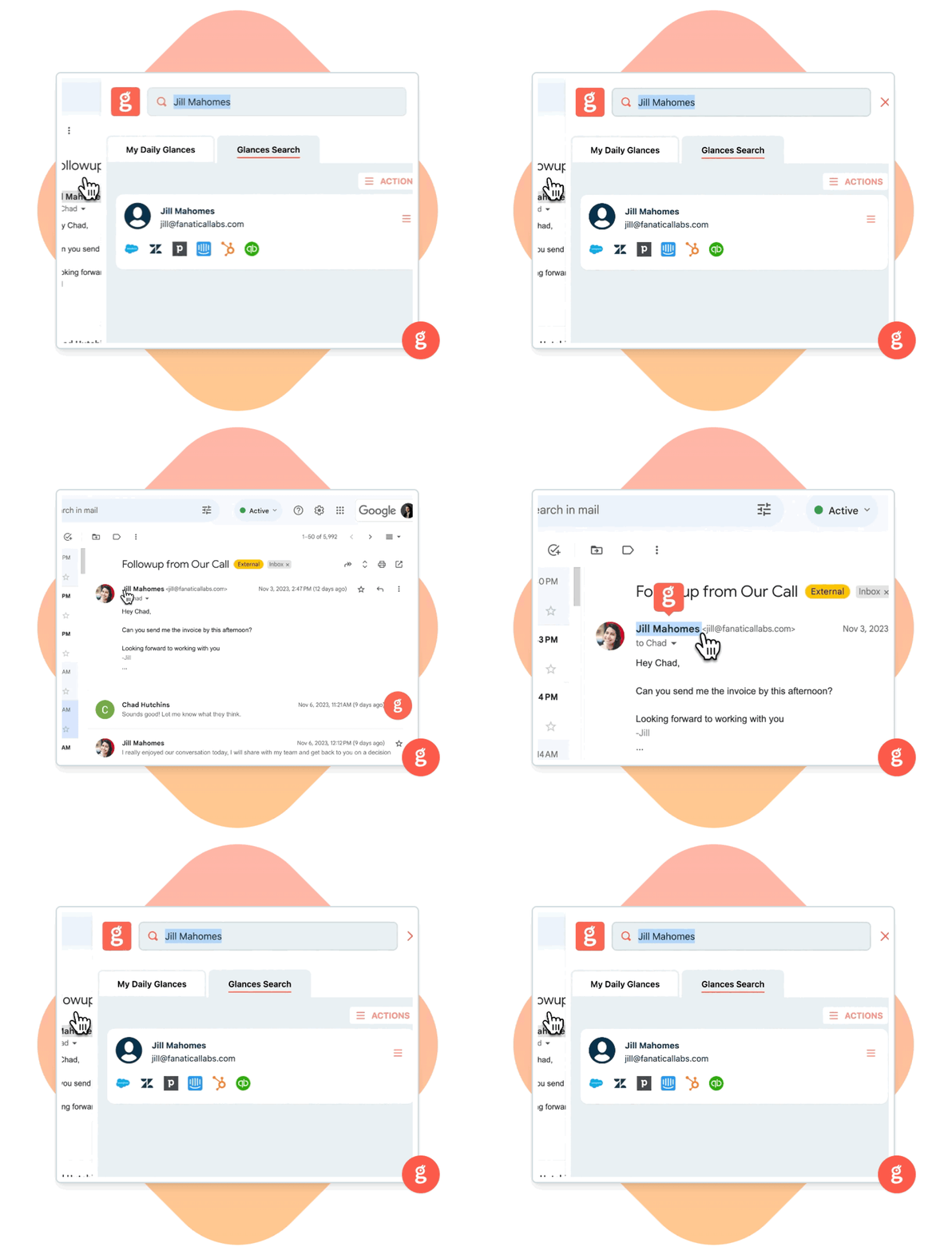
Stay working in apps you like
The flip side of using Glances is the ability (and convenience) to remain working in platforms you prefer. As one of many examples, let’s say you are a sales manager. In this role, you spend hours each day in your CRM platform to review leads, update customer information, and help teammates close new deals. Glances empowers you to stay focused working in your CRM without continually switching tabs and changing contexts to log in to other apps, view necessary data, and complete tasks. Customers report saving hours of time daily, per user. See our case studies section to learn more.
What features can improve your daily workflows and app experience?
If you have a new feature or Action in mind for any of your apps connected with Glances that will make your dream workflows a reality, use our Request an Action calendar to select a time to briefly discuss your current apps and needs with our team.
More helpful steps
Schedule a demo to see the time-saving benefits of Glances in action or ask our team questions.
If you need to connect a specific app or platform with Glances that is not currently available on glances.com, please send your requests to hello@glances.com.
Find more step-by-step articles with the latest information on our support site.