Find Docs Faster Using Glances Files and Folders Tabs

Searching just got more organized
If you are using Glances to quickly search, find, and open your files while working anywhere online, you have probably noticed a helpful improvement. For optimal organization, search results now show your files and folders in separate tabs, helping your scanning eyes to locate important documents across various cloud-storage apps faster than before. Prior to this automatic update, files and folders both lived within the Files tab. Check out how this search feature appears in the image below.
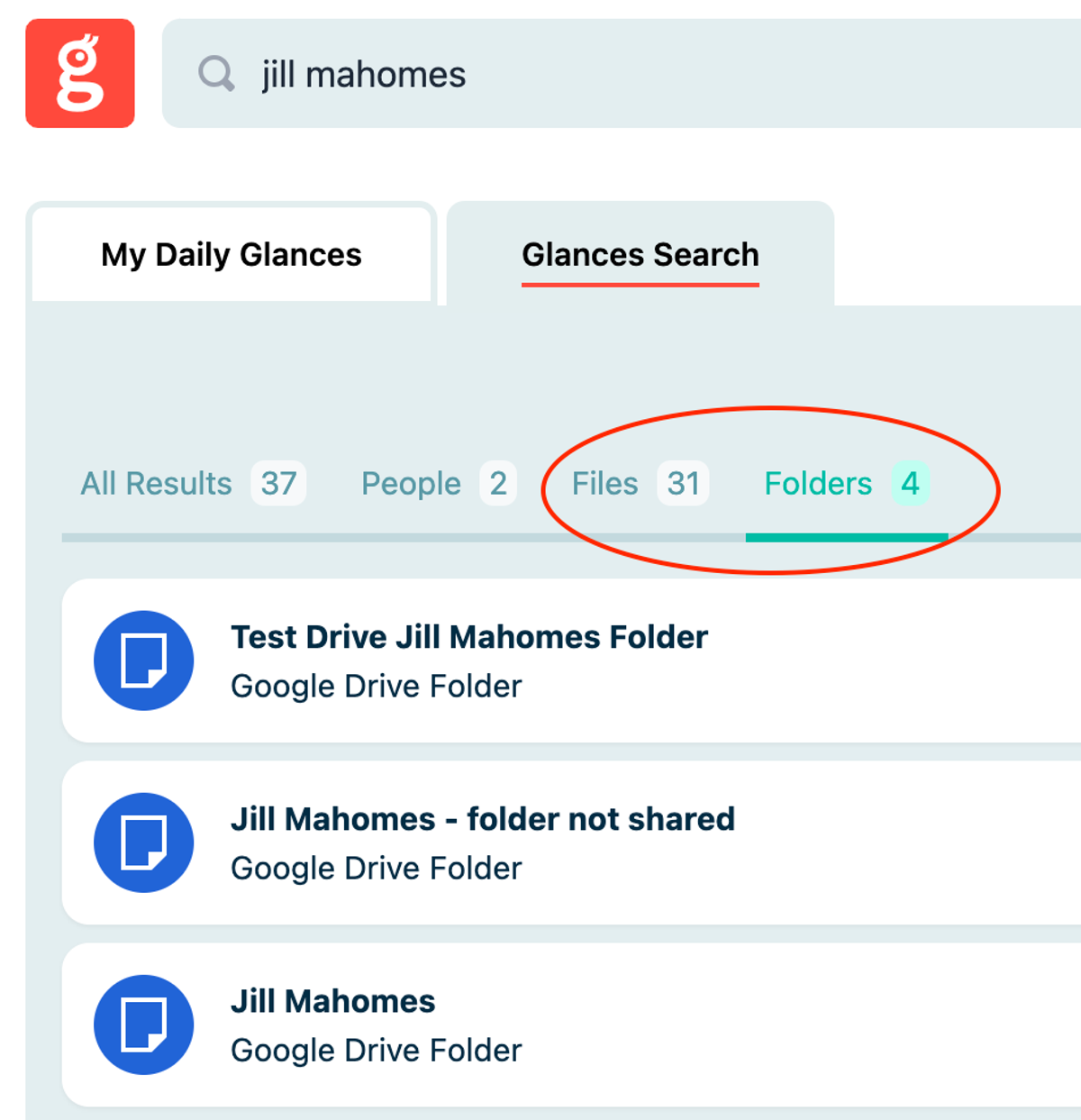
How to search for files and folders using Glances
Start by connecting your favorite online storage solutions with Glances, such as Dropbox, Google Drive, OneDrive, SharePoint, Microsoft Office 365, and more. From there, you can easily search and view your files and folders without navigating away from your preferred platform or webpage.
Click to open the Glances widget and use the Search tab to enter a file name (as little or as much as you can recall), or use Glances Highlight and Search feature to auto-search. Glances will pull up all stored files and folders that match your search terms, then you can click on the correct file or folder name to open its contents. Watch how it works in the animation below.
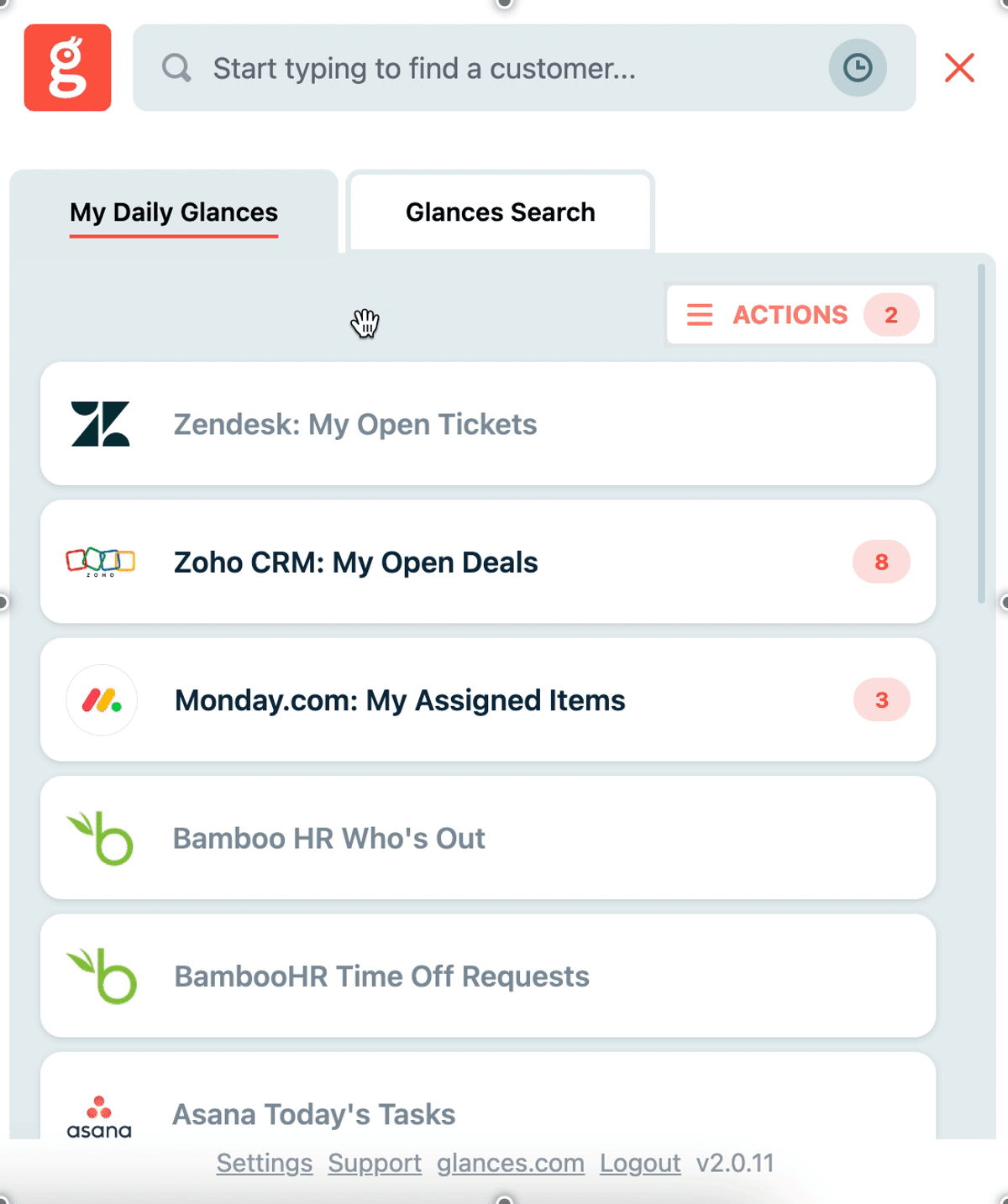
File searching without time wasting
While today’s online file storage apps offer convenience and peace of mind, finding your files and folders in the moment you need them can be a frustrating and focus-busting task. Here’s how Glances steps in as your everyday sidekick to help you and your teammates:
✔️ Stay focused working in your CRM, email platform, or any business app while also locating your files
✔️ Save time on mundane and repetitive tasks, such as finding your files in the moment you need them
✔️ Ditch tabs, logging in, and context switching with instant access to your important docs
Glances makes all your business apps work together
Don’t forget that Glances not only works with your file storage apps, it also helps you locate and view data across any of your business apps in one 360-degree view. Beyond viewing data, you can crush your daily to-dos using Glances Actions, the feature that empowers you and your team to perform tasks for other apps directly within Glances. Create and send QuickBooks invoices, start Zoom meetings, make Aircall calls, create new Salesforce contacts, and whatever time-saving tasks your team can dream up.
Forget tab toggling and constantly losing focus. Glances makes your favorite business apps work together anywhere online, so you and your team can create consistent processes that save time and reduce data entry errors. Start your free trial today.

More helpful steps
Schedule a demo to see the time-saving benefits of Glances in action or ask our team questions.
If you need to connect a specific app or platform with Glances that is not currently available on glances.com, please send your requests to hello@glances.com.
Find more step-by-step articles with the latest information on our support site.