Search for Your Cloud-Stored Files Using Glances

Quickly find and open your files anywhere
No matter the industry you work in or position you have, creating, saving, and referencing files is likely a necessary part of your daily tasks. Cloud-based storage solutions for your files and content have come a long way since the early days of apps like Dropbox. Not only are there many file storage providers to choose from, you can also opt-in to storage plan add-ons with popular email platforms, CRMs, and project management apps.
While online file storage offers convenience and peace of mind, finding your files in the moment you need them can be a frustrating, focus-busting task. One simple way to combat this daily nuisance is to also connect your favorite online storage solutions with Glances, such as Google Drive, OneDrive, SharePoint, Microsoft Office 365, and more. Doing so will enable you and your teammates to quickly search, locate, and open files without navigating away from the app or webpage you are working in.
Using Glances for your file-searching needs will help you ditch tabs, forget context switching, and work simpler with instant access to your important documents. Check out how it works in the animation below.
How to search for your files using Glances
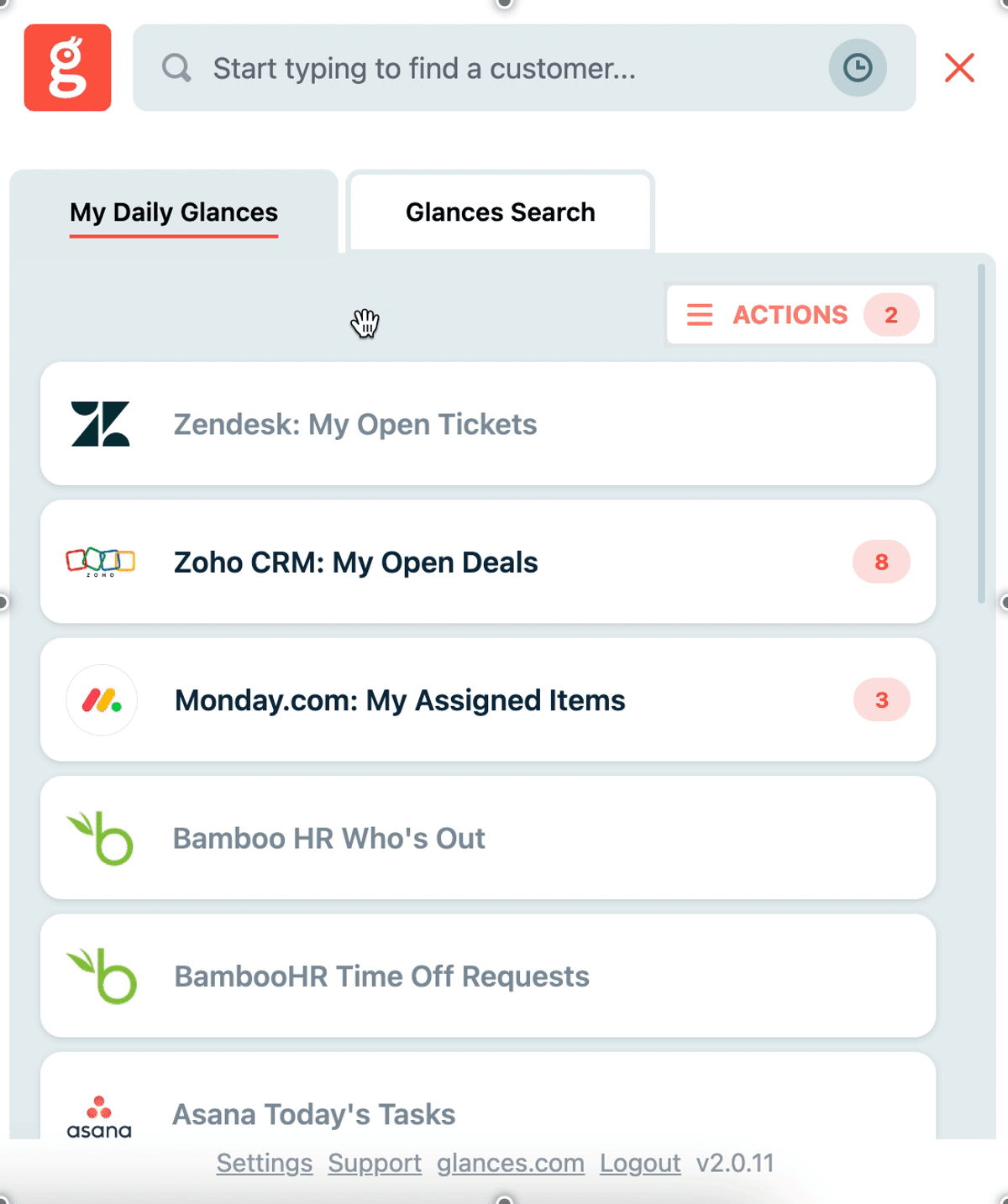
When your storage platform(s) of choice are connected with Glances, you can search and view your folders and files while working anywhere online. Click to open the Glances widget and use the Search tab to enter a file name (as little or as much as you can recall), or use Glances Highlight and Search feature to auto-search. From there, Glances will pull up all stored folders and files that match your search terms, then you can click on the correct file name to open it.
Why consider online file storage?
- Accessibility: Files stored in the cloud can be accessed from anywhere, anytime, improving the flexibility and productivity of staff.
- Collaboration: Cloud storage enables easy sharing and collaboration on files, facilitating teamwork and faster decision making with internal teams and outside vendors.
- Disaster Recovery: In case of hardware failures or data losses, cloud storage provides a reliable backup solution, ensuring business continuity.
- Scalability: Cloud-based storage allows businesses to scale up or down their storage capacity based on their needs, helping to optimize costs.
- Security: Most cloud storage providers maintain high security standards, including encryption and strong access controls, protecting business data from unauthorized access.
Glances makes all your business apps work together
You and your team already depend on file storage apps like SharePoint and Google Drive every day, but we realize you likely spend a lot of time working and managing tasks in other apps. Forget tab toggling and constantly losing focus. Glances makes your favorite business apps work together anywhere online, so you and your team can create consistent processes that save time and reduce data entry errors. Start your free trial today.
More helpful steps
Schedule a demo to see the time-saving benefits of Glances in action or ask our team questions.
If you need to connect a specific app or platform with Glances that is not currently available on glances.com, please send your requests to hello@glances.com.
Find more step-by-step articles with the latest information on our support site.