Comparing monday.com and QuickBooks Integrations: 5 Things to Evaluate

Which integration is right for your team's workflow?
Over the years, we’ve worked with many teams trying to connect QuickBooks with monday.com. Some are startups juggling their first big client contracts, others are established companies processing hundreds of invoices each week. Nearly all of them face the same challenge: how do we keep our financial data and project management in sync without extra spreadsheets, manual and repetitive data entry, or constant app switching?
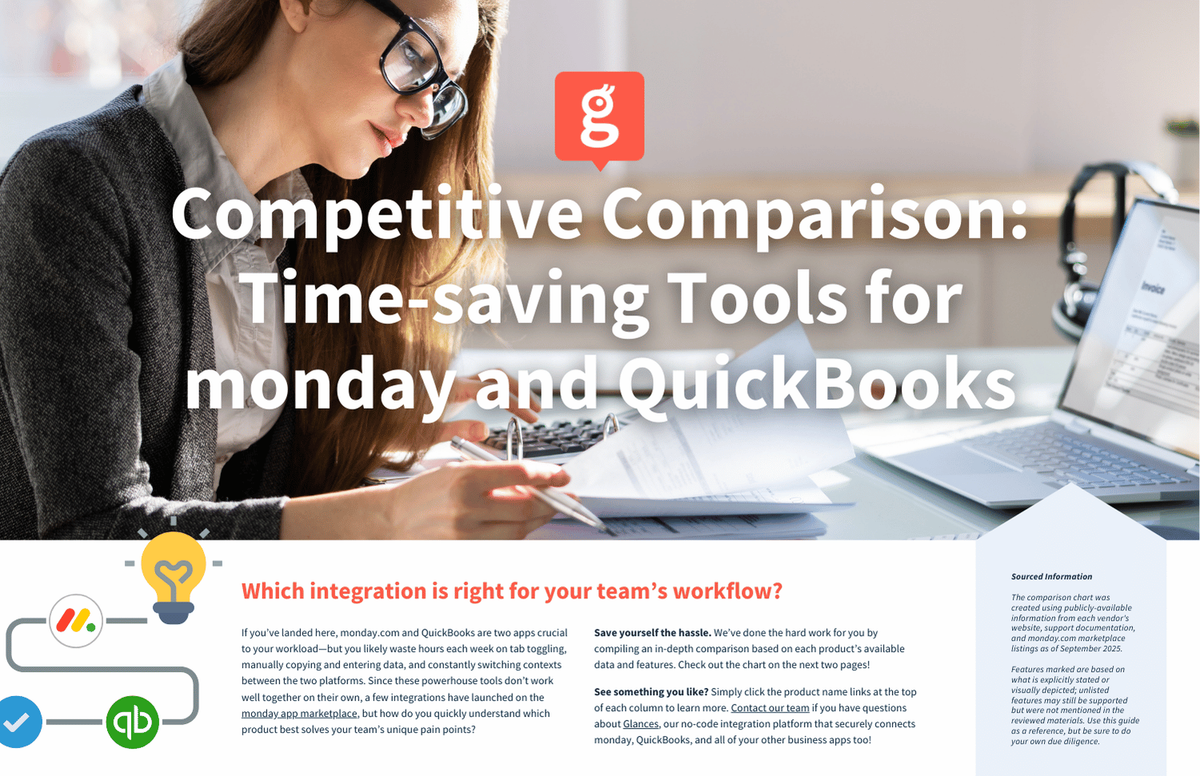
There’s no shortage of solutions on the monday app marketplace. From monday.com’s official integration, third-party apps by Agile Soft Systems, Stackfully, Virtenia Inc, Workflow Magic, and, of course, Glances, each solution is eager to make your workload a little lighter. To help make sense of it all, we created an in-depth comparison chart that highlights where each solution overlaps and where they differ. It’s based on publicly-available information (such as websites and support documentation), so it’s not exhaustive, but it gives a clear picture of what’s possible today.
The best solution is the one that will fit into your workflow. To help you find the features that are the most meaningful to your team, below are the five questions we encourage every team to ask themselves when choosing a solution.
PS: Don’t forget to click and download the full comparison chart with product links, available below.
What financial actions matter the most?
Every business uses QuickBooks differently. One small business we worked with cared almost exclusively about the ability for monday teams to quickly create invoices while another client leaned heavily on bills and vendors.
While most solutions support basic invoice and estimate creation, fewer extend into vendor management or bill creation. If those tasks matter to your workflow, it’s worth spotting which solutions go beyond the basics.
What kind of data do we need to see back in monday?
Nothing derails trust faster than mismatched data or duplicate data that isn’t meaningful or intentional. Missing invoices and duplicate customers can mean frustrating experiences for your team members. But what data is a must-have when it comes to your monday environment?
Nearly all tools attempt to sync core QuickBooks records, but the depth, reliability, and timeliness of that sync varies. Looking closely at what’s supported (and what’s not) can save teams from painful cleanup or redundancy later.
How easy will this be for my team to use?
Some teams we’ve spoken with have told us they spend more time setting up the app than actually using it. Talk about complicated! The right solution should feel intuitive with little training required. Ideally it’s something your team can quickly adopt without endless videos or hands-on guidance.
You’ll see that some solutions require piecing together multiple modules, while others (like monday.com’s official option) keep things simple but narrower in scope and features. It’s a reminder that “ease” isn’t just about checkmarks but also about how usable the system feels day to day while still keeping the features you need.
Will this scale as we grow?
Your workflow today won’t look the same a year from now. Teams that outgrow their integration often find themselves redoing months of work to switch systems.
Some solutions are niche-focused, while others cover a wider range of use cases. The key is to match your long-term needs with a solution that can scale alongside your growth. By evaluating scalability now, you can prevent having to replace the solution after a few months of growth.
Do we want a focused tool or a broader solution?
Some integrations do one or two things really well while others cover a more wide range of QuickBooks functions. Both approaches can work splendidly together, but deciding which style fits your workflow and your business goals can save you from wishing you’d chosen something more comprehensive.
Go to full competitive comparison chart PDF of tools for monday and QuickBooks.
Where Glances fits in
When we look across the market, most solutions handle the basics. The real difference comes down to scope, usability, and staying power. That’s where Glances was built to shine for apps like monday and QuickBooks.
Glances covers the essential QuickBooks actions (from invoices and estimates to vendors and bills) within a single, connected experience. There’s no juggling multiple add-ons, no endless context switching, and no steep learning curve. Just one process and the information you need where you need it. Glances has robust features without requiring hours of implementation time or training. Instead, you’ll walk through a quick onboarding process to set up your sync and meet with our team for more detailed and customized work, if needed. You have the flexibility to use Glances within existing boards (to create invoices, estimates, and more right from where you’re already working.) Data coming back from QuickBooks can kick off additional automations to propel your workflow forward.
Glances also works nicely with other key workplace apps, from Salesforce to Stripe. As you grow and your tech stack changes, Glances can remain the solid foundation your team needs as it travels to any workplace app you use.
Our mission is simple:
Make your work feel lighter, not more complicated. If your team is ready to simplify how monday.com and QuickBooks work together, we’d love for you to explore the chart, compare your options, and then give Glances a try to see the difference for yourself.
Glances makes all your business apps work together
Glances securely connects all of your business apps, empowering you and your team with a 360-degree view of customer and personal data while working anywhere online. Built with patented, no-code technology and backed by 5-star support, Glances has reimagined software integrations with all of the convenience and none of the data-syncing, downtime, and maintenance costs. You can find and connect support software like monday.com, QuickBooks, Zendesk, Intercom, and many others when you are logged in to your Glances account.
Start your free trial today and check out Glances on the monday app marketplace.
More helpful steps
Schedule a demo to see the time-saving benefits of Glances in action or ask our team questions.
If you need to connect a specific app or platform with Glances that is not currently available on glances.com, please send your requests to hello@glances.com.
Find more step-by-step articles with the latest information on our support site.