New Feature: Screen Pops for Inbound Calls Dial Up Efficiency

Glances now supports screen pops for telephony solutions
For call centers or businesses that rely on telephony software, call efficiency and quick access to customer data can make or break inside sales and support calls. That’s why our development team is excited to announce the release of Glances screen pops for inbound calls! If you are new to screen pops, the term is used to describe when customer information related to an incoming call populates (or pops up) on an employee’s computer screen.
This helpful new feature will change the workflow game for companies using apps like RingCentral, Avaya, DialPad, or even Zoom combined with their CRM and other collaborative SaaS tools. Below are just a few reasons to take advantage of using screen pop functionality with the Glances no-code integration platform securely connecting your favorite apps:
✔️ Automatically give sales and support agents a full customer view in one place
✔️ Significantly reduce clicks and tab switching to access live customer data across apps
✔️ Eliminate the need for expensive integrations to move and maintain data
✔️ Save time and streamline workflows to better handle high call capacity and resolutions
How it works
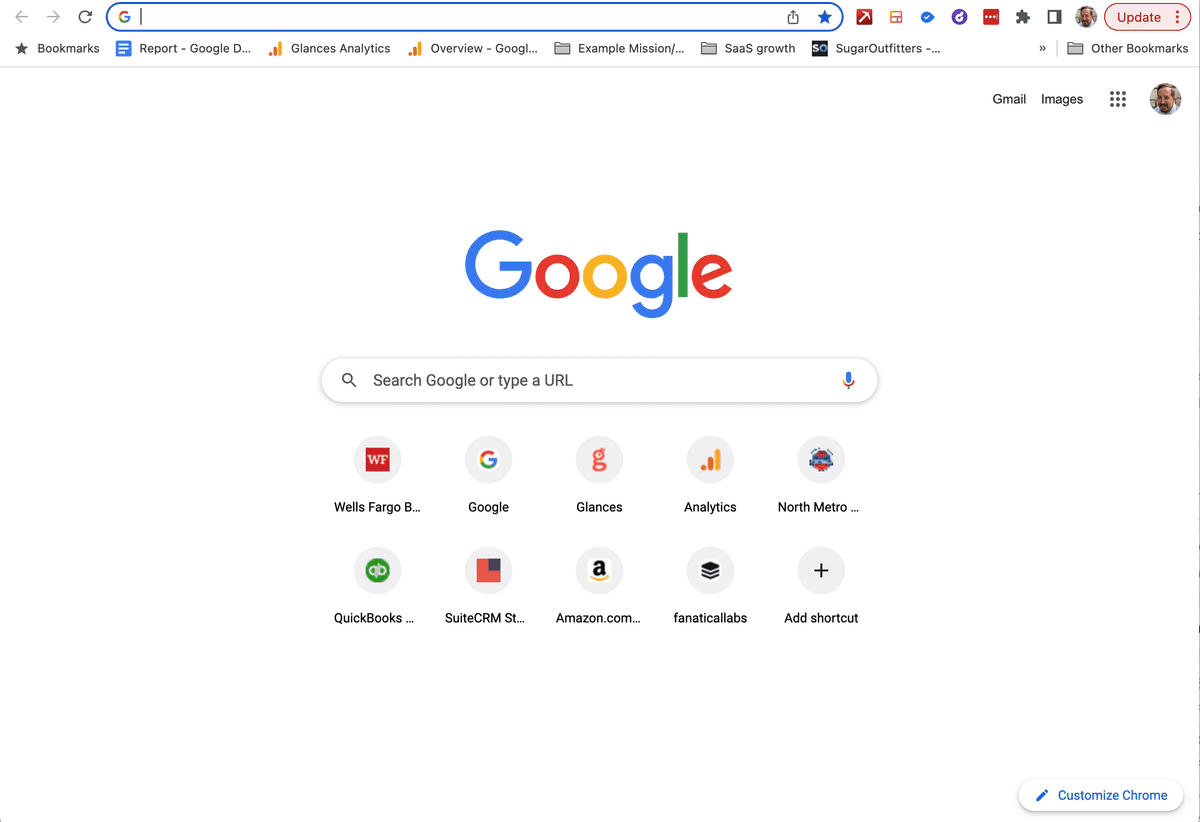
During an incoming call, the screen pops feature will use the inbound phone number to auto search Glances for any related customer contacts. Employees can click on the contact to open their various Glances and view key data across multiple applications. The animation above shows the automated search taking place and matching the inbound phone number to customer Jill Mahomes, a CRM contact in HighLevel.
If the inbound phone number is new and doesn’t match any records in your CRM or other systems, no problem. Our team can work with your business to create a customized workflow using Glances, such as an automated new contact form that creates the new record in your CRM (or app of choice) directly from the screen pop.
Since Glances works within any app or webpage online, an alternative use case below shows an inside sales agent working directly in HighLevel while using Glances to view the customer’s real-time data across various applications, such as QuickBooks, Mailchimp, Stripe, and more.
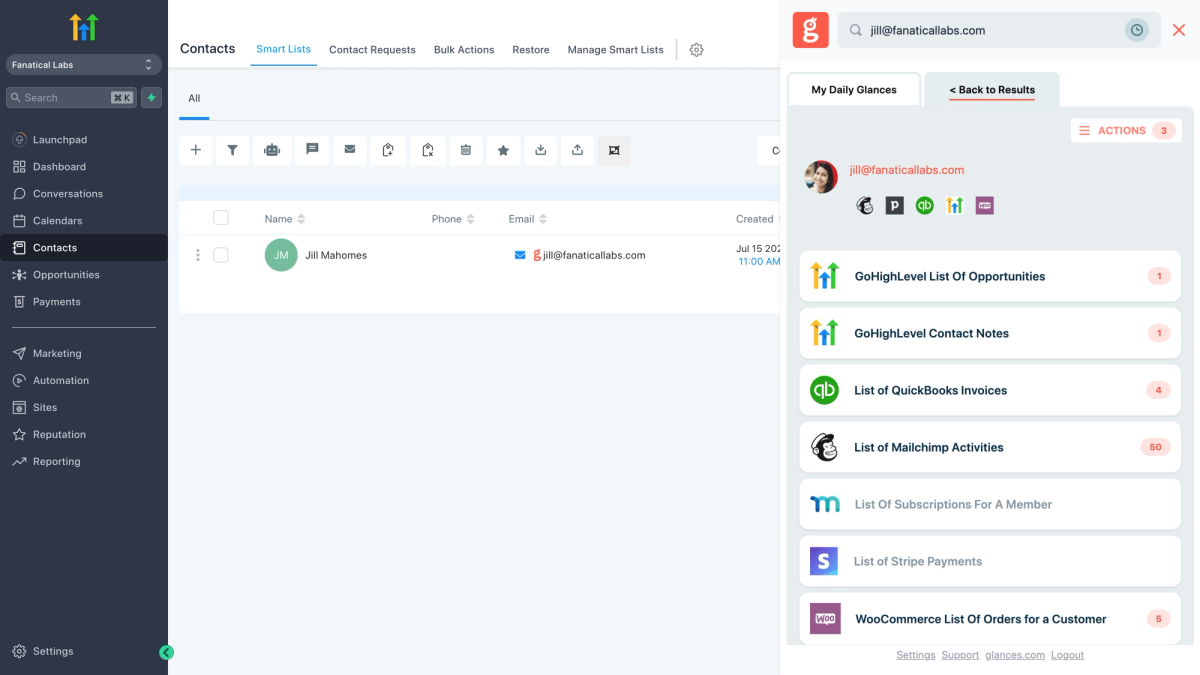
By investing in the right SaaS applications and telephony software, any organization that heavily relies on phone outreach can ensure calls are answered quickly and customers’ needs are met. Glances enhances these applications by showing any contact’s big-picture data in one 360-degree view, helping sales and support teams respond swiftly to customer inquiries with all the knowledge they need to successfully manage each interaction.
What Glances Actions can improve your workflow?
Did you know screen pops are available to all Glances users because one of our customers requested it? If you have an action or function in mind for any of your apps connected with Glances that will make your workday simpler, we’re here for it. Use our Request an Action calendar to select a time to briefly discuss your current apps and needs with our team.
Integrate all your favorite apps and perform actions, using Glances
Start your free trial to connect your favorite business apps and access your data in one easy click, from any app or webpage. You can find and connect your apps when you are logged in to your Glances account.
More helpful steps
Schedule a demo to see the time-saving benefits of Glances in action or ask our team questions.
If you need to connect a specific app or platform with Glances that is not currently available on glances.com, please send your requests to hello@glances.com.
Find more step-by-step articles with the latest information on our support site.